Mintegral Tops Two Gaming Rankings in AppsFlyer's 2026 Creative Index: How Playturbo Streamlines Ad Creative Production
AppsFlyer released its 2026 Performance Index on October 29, with Mintegral ranking No. 1 for both Gameplay and user-generated content (UGC) and No. 2 for Scene: Animated in the Creative Index’s global gaming power rankings.
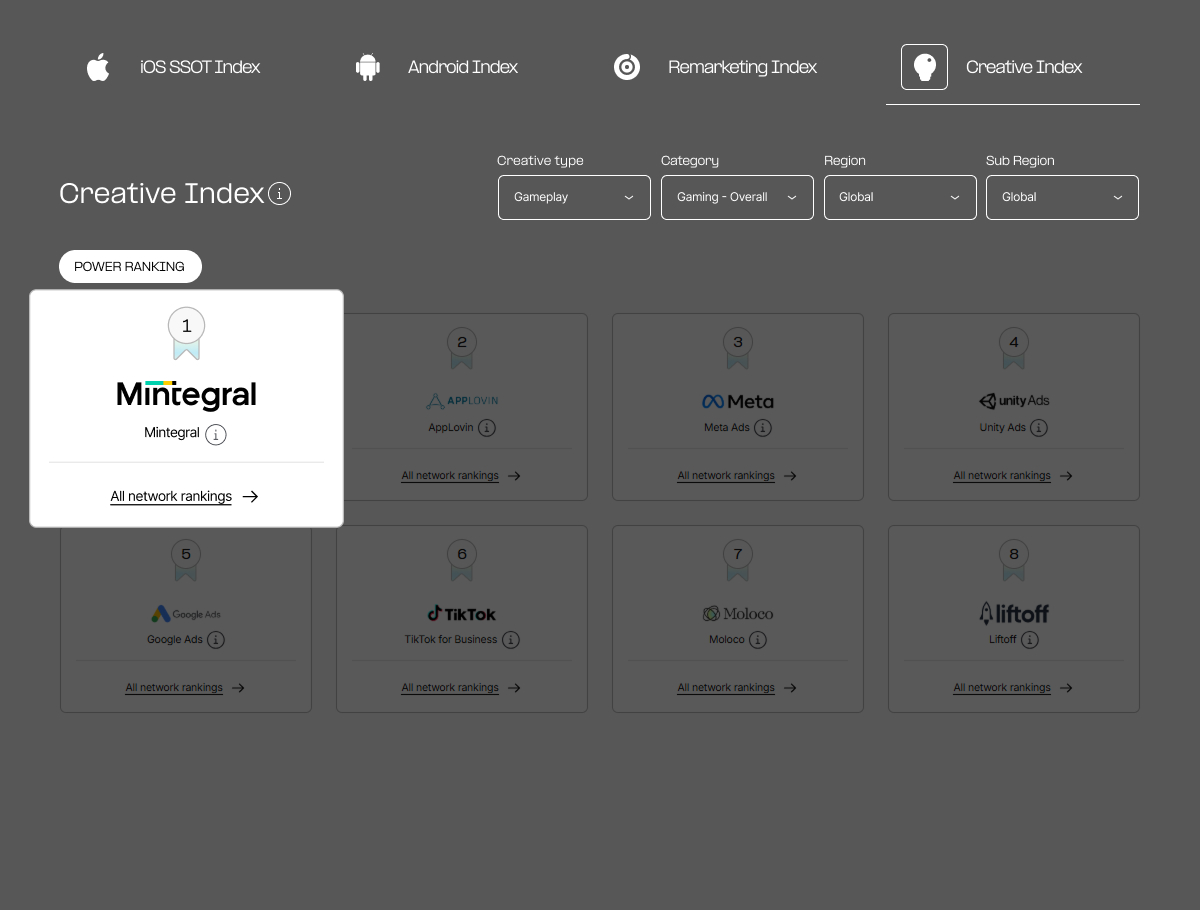
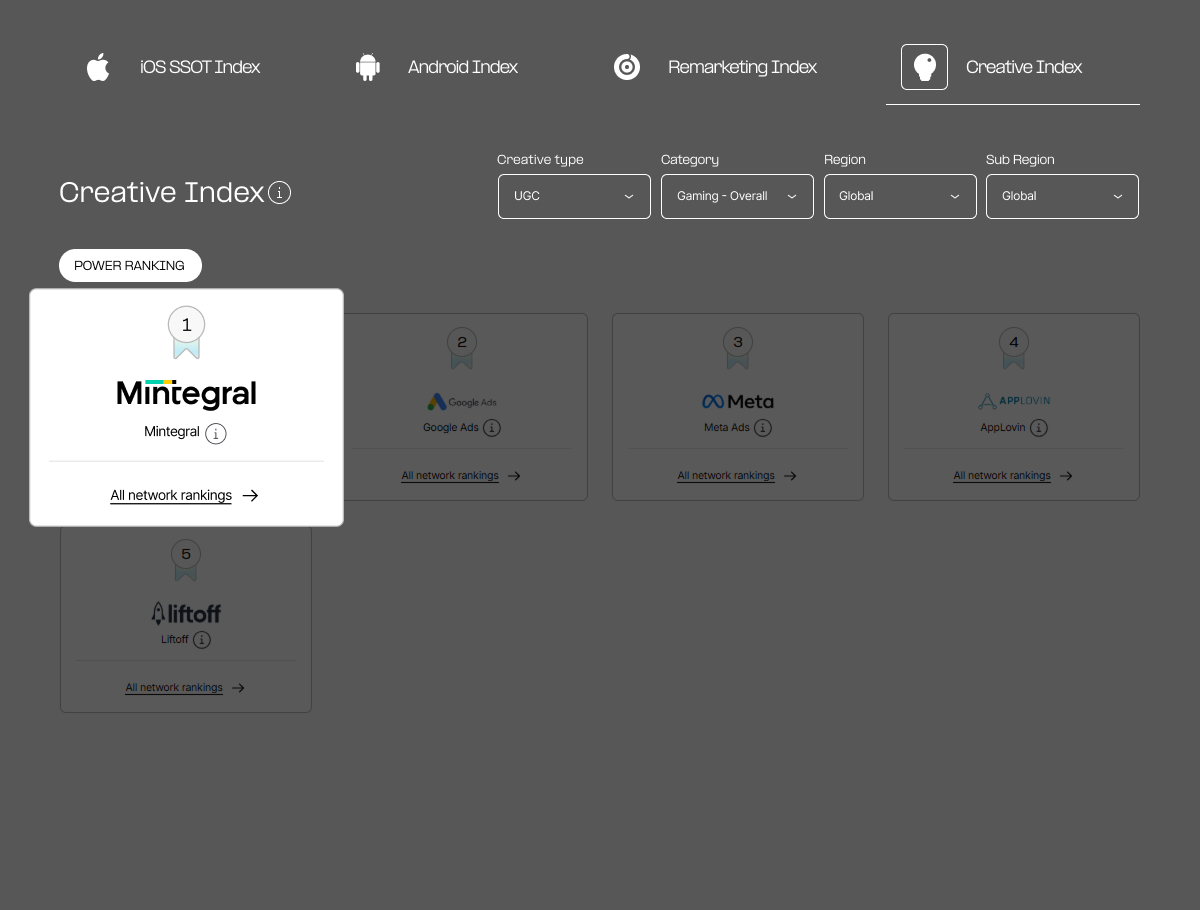
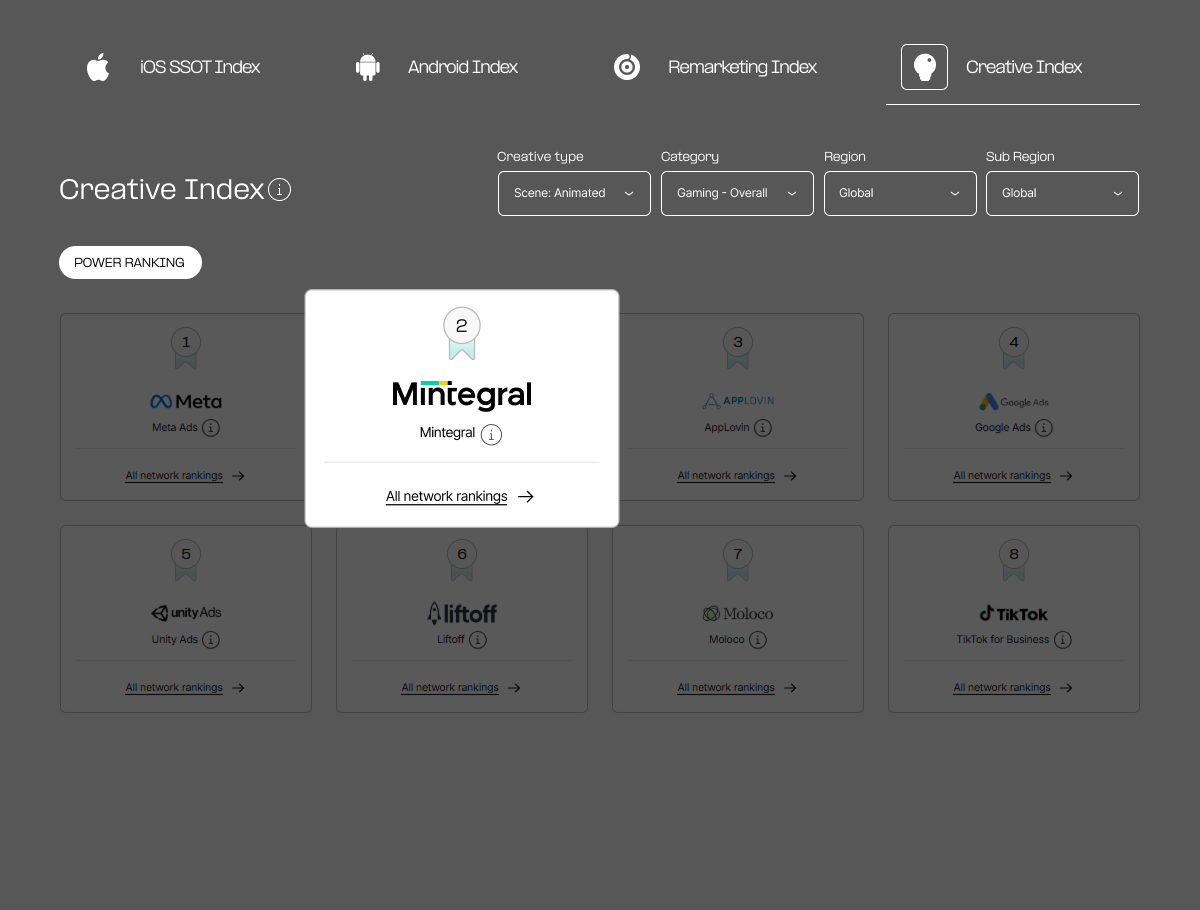
Across rankings broken down by category and region, Mintegral appeared in 73 lists, placed in the top three in 62, and took first place in 35.
AppsFlyer described Mintegral as the strongest performer in the Creative Index for Gaming apps. The network ranked No. 1 in nearly half of the index's gaming segments and placed in top 3 in the vast majority, with the highest hit rate of any network measured.
What AppsFlyer's Creative Index Measures
The Creative Index ranks media sources using the average rate of change in ad spend, non-fraudulent installs and the number of apps within each regional and category group. Results are further broken down by creative characteristics, including:
• Gameplay: Shows how users interact with an app, including its rules, mechanics and challenges.
• UGC: Includes user-created content such as reviews, photos, videos and social media posts.
• Scene Type: Classifies the creative scenes include real, animated, or hybrid (both).
How Playturbo Streamlines Ad Creative Production
Playturbo is the in-house creative automation platform of Mintegral. Its self-service tools combine AI-powered creation, no-code editing and pre-built templates to help game and app marketers produce and adapt creatives for mainstream ad networks.
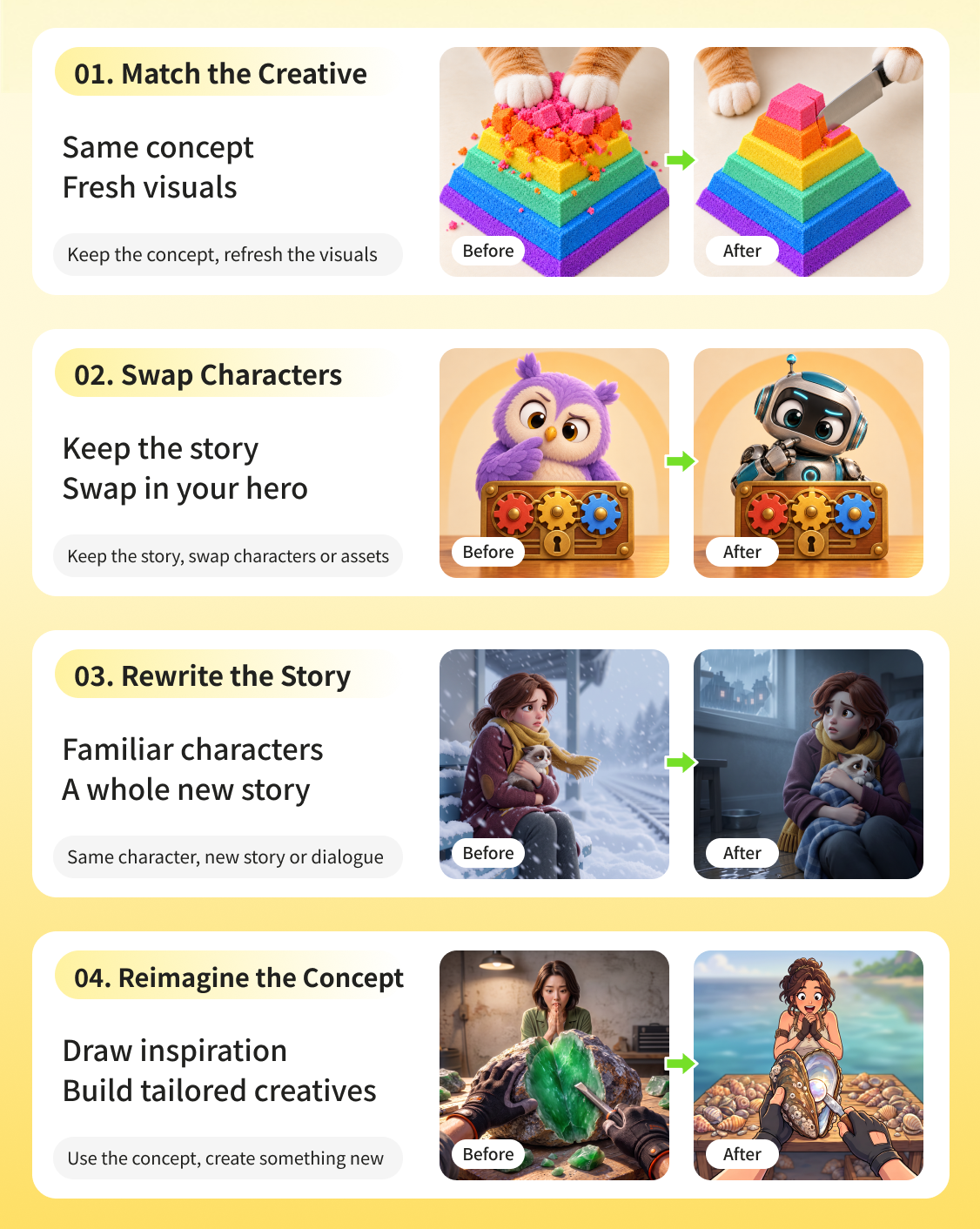
1. Remake Videos for Your Product
Playturbo's recently launched「Video Recreation」lets teams use videos they own or have permission to use as references for new creatives tailored to their products.
Teams can draw on a reference video's story or creative approach, or update the visuals, characters or storyline of an existing ad. This helps teams prepare multiple versions for testing more quickly, without producing every creative from scratch.
2. Adapt Gameplay Videos and Create Playable Ads
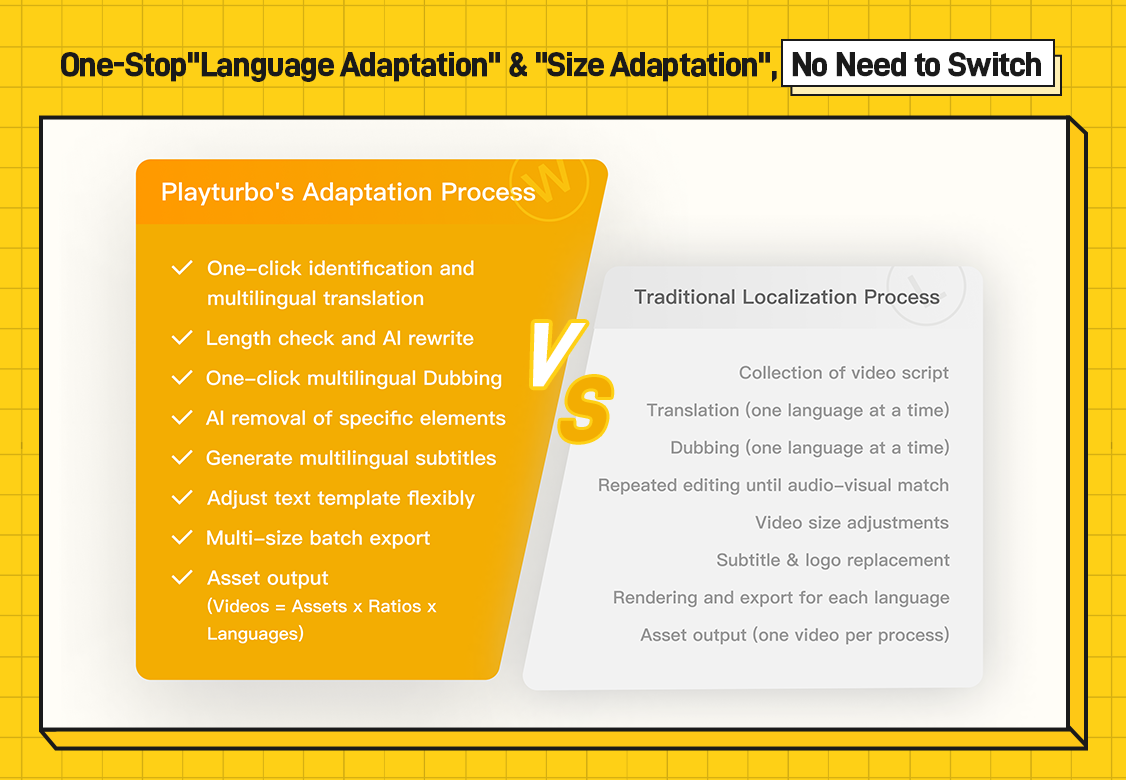
Playturbo's Size Adaptation and Language Adaptation tools let teams resize gameplay footage, localize voiceovers and subtitles, and export versions in batches for different markets and ad channels.
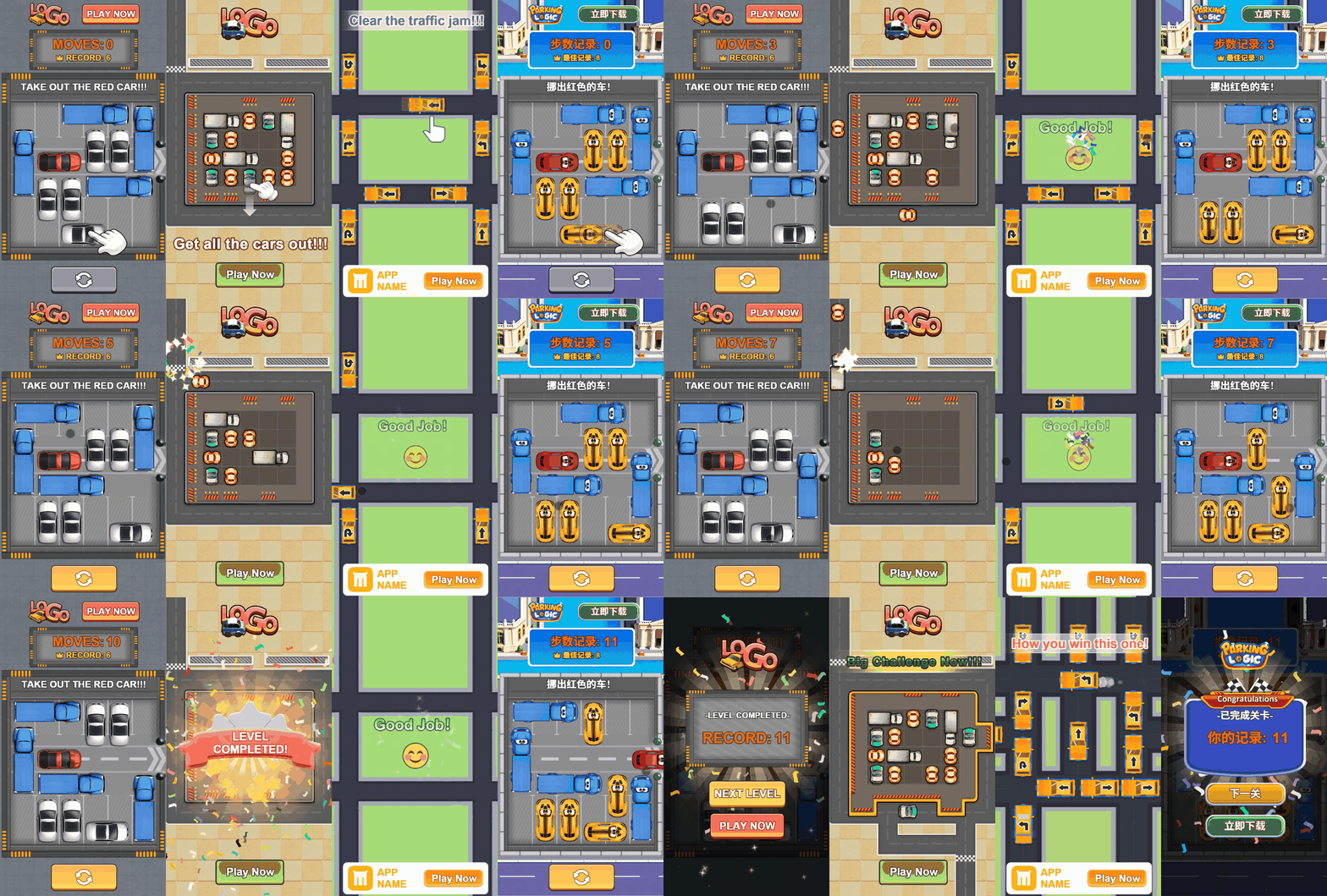
Playable ads give users a chance to try the same gameplay before downloading. With more than 300 Playable Ad Templates, teams can customize the visuals and interactions, then test these ads alongside their gameplay videos.
3. Explore Scene Designs, Then Create Videos
Teams can explore different looks for an animated scene with URL to Image. The tool pulls product information from an app store link and uses uploaded reference artwork to generate image variations.
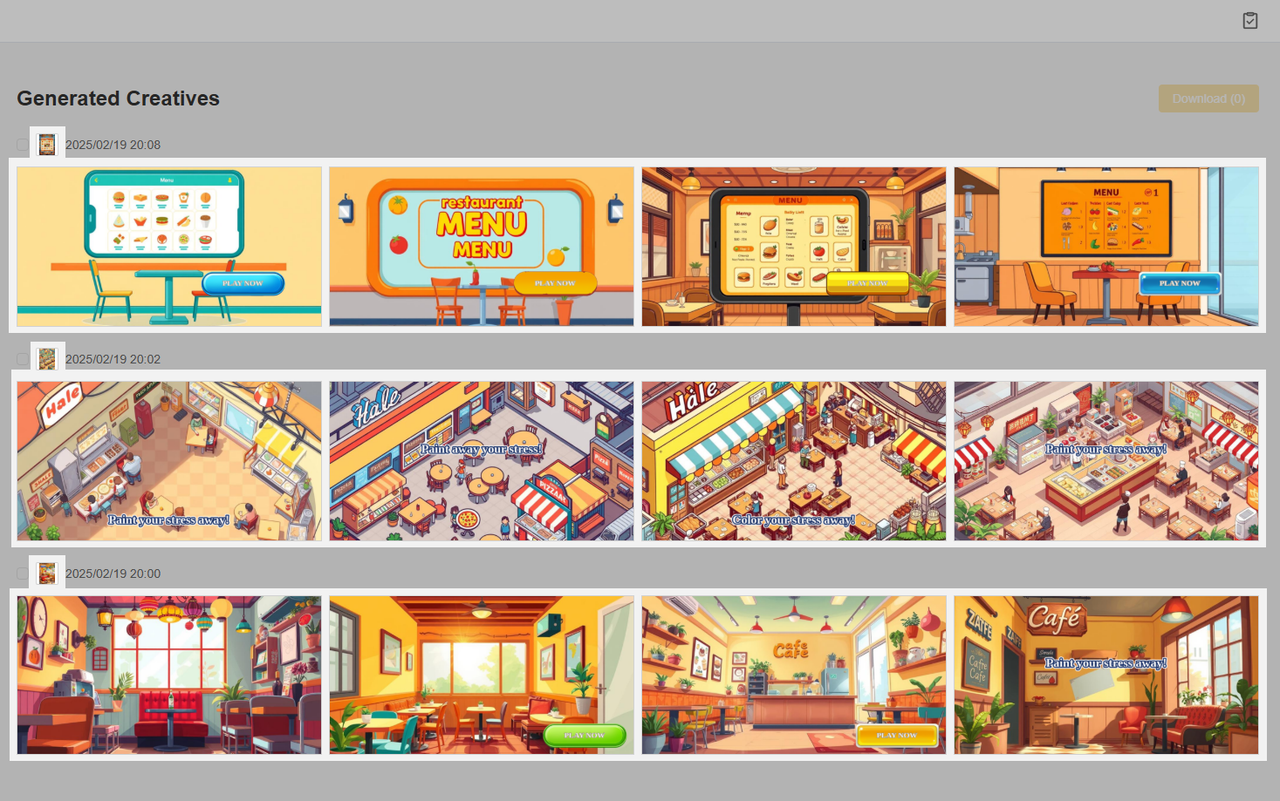
Teams can then use Image to Video to turn the selected images into a video ad with transitions, music and voiceover.
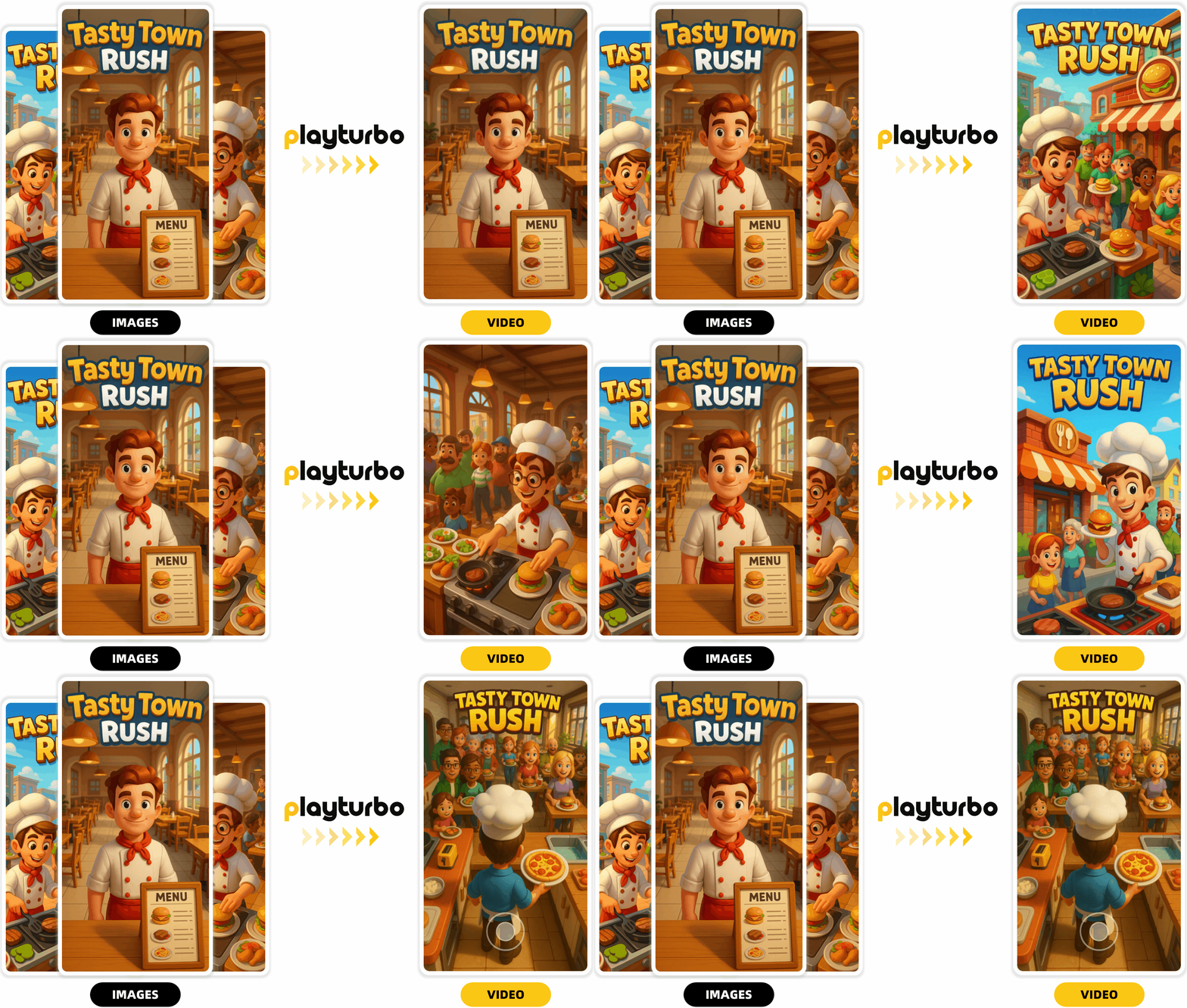
Turn Creative Ideas Into Ads With Playturbo
Many game and app publishers, including those behind leading titles, use Playturbo's production tools or work with the creative expert team to create custom ads.
For example, Playturbo developed playable ads for ZiMAD's Magic Jigsaw Puzzles tailored to different player needs. The case study reported a 206% increase in installs and a 35% increase in IVR, with eCPI down 27%. In another project, Playturbo turned client scripts into AI-generated narrative videos for WhaleJoy Game's Haunted Merge: Horror Story. Estimated impressions for several creatives were in the millions, with one exceeding 10 million.
For your next round of UA, start with an existing video, a product message or a set of scene images!
Sign up today to make video, playable and image ads, or contact the creative team to discuss a custom project.